Remote Terminal
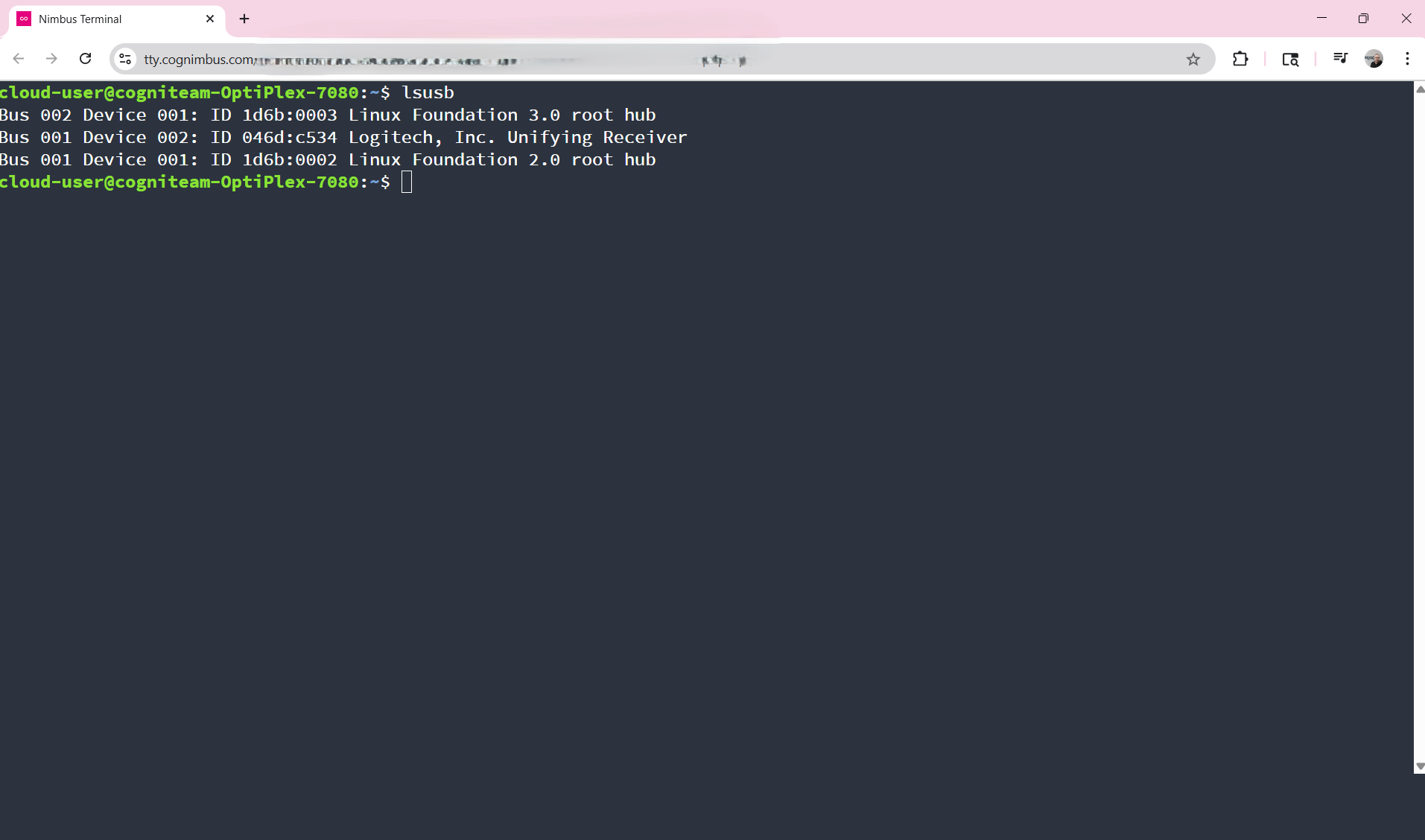
The Cogniteam Cloud Platform enables seamless access to a remote Linux terminal directly from your browser via the Agent installed on the device. The connection uses a pre-authenticated URL, valid for a single session and periodically regenerated for security.
Accessing the Remote Terminal
You can access the remote terminal by clicking the following button on each device’s page:

Connection Options
The remote terminal supports connections in two ways:
- Local Network: Connect directly when on the same network as the device.
- Cloud Access: Access the terminal remotely through the cloud.
Multi-User Support
Multiple users can connect to the same terminal simultaneously. User activities are multiplexed, allowing real-time visibility of each other's actions within the shared terminal session.