Remote terminal (SSH)
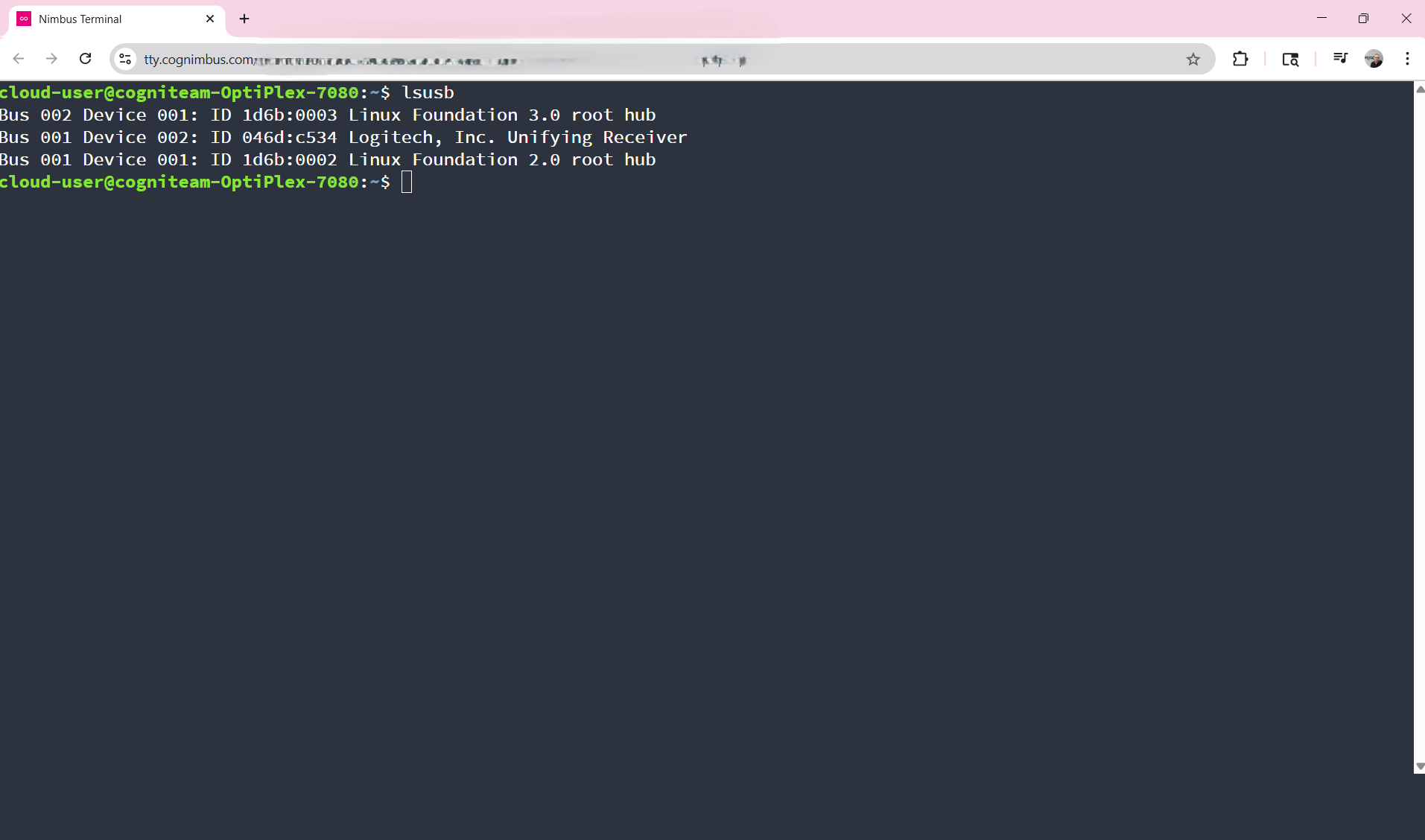
The Cogniteam Cloud Platform provides access to a remote Linux terminal on the device directly from your browser. The connection uses a pre-authenticated URL, valid for a single session and periodically regenerated for security.
Accessing the Remote Terminal
You can access the remote terminal by clicking the following button on each device’s page:

Connection Options
The remote terminal supports connections in two ways:
- Local Network: Connect directly when on the same network as the device.
- Cloud Access: Access the terminal remotely through the cloud.
Offline and Recovery-Managed Access
SSH access is available for offline robots through a local connection. An offline robot still needs to be reachable through the applicable local connection; offline access does not provide a cloud route to an unreachable device.
Terminals managed by the recovery service can remain accessible when the Agent is stopped. This depends on the recovery-managed terminal service and network access remaining available; it is not a guarantee for every terminal or for a powered-off robot.
See Local Access & Monitoring for local access setup. Terminal commands can change the running system, and shared sessions expose actions to other connected users.
Multi-User Support
Multiple users can connect to the same terminal simultaneously. User activities are multiplexed, allowing real-time visibility of each other's actions within the shared terminal session.